The fastest and easiest way to add new features to your blog is by embedding widgets such as Twitter and LinkedIn in the sidebar of your blog. Social media platforms such as Twitter and LinkedIn are powerful weapons for SEO. In this article, I will show you how you can embed widgets such as Twitter and LinkedIn into the blog.

How to embed Twitter in the blogger?
Follow the steps to embed twitter in the blogger.
Step 1: Search publish.twitter.com.
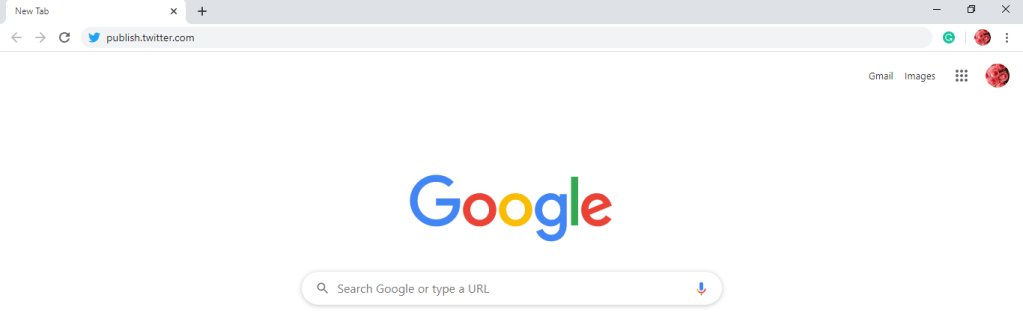
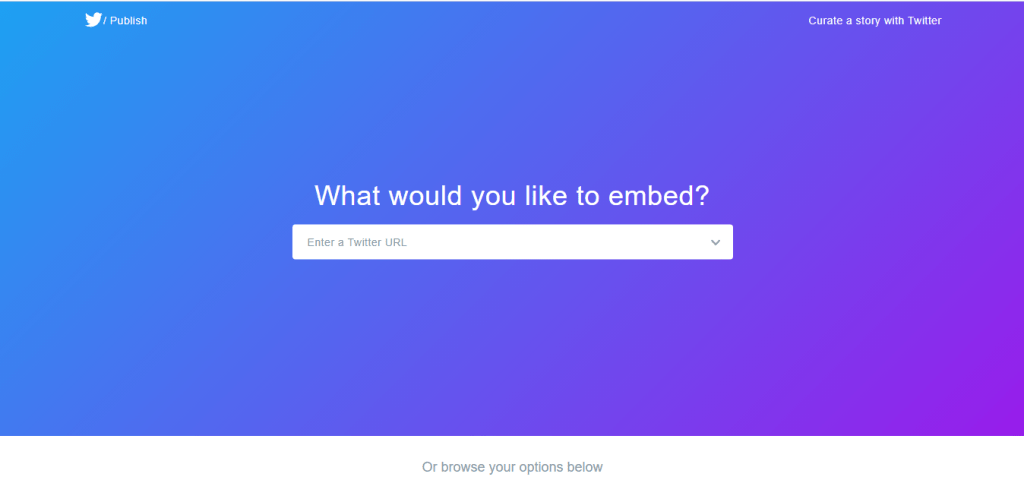
Step 2: You can see a question as ‘What would you like to embed?’.
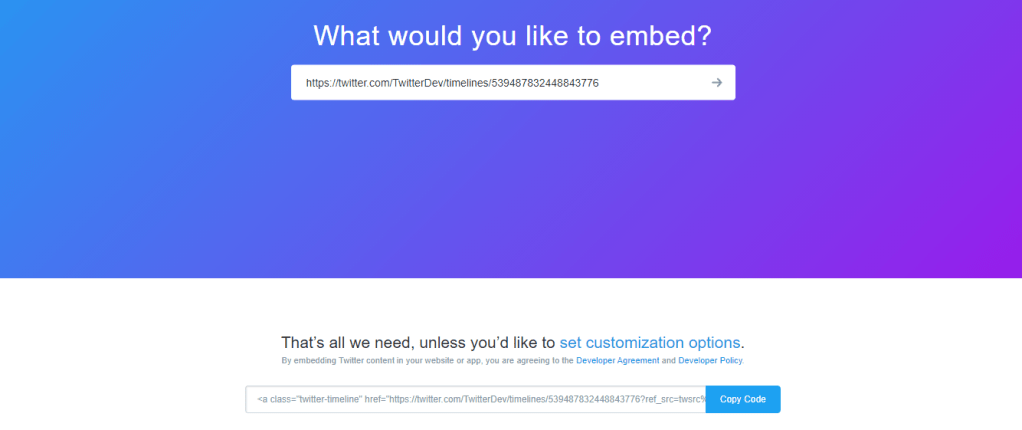
Step 3: Enter your Twitter URL in the provided space. Below that, a code will display. Copy that code.
Step 4: After copying code, go to blogger and select layout. In sidebar-right-1, Select HTML /JavaScript.
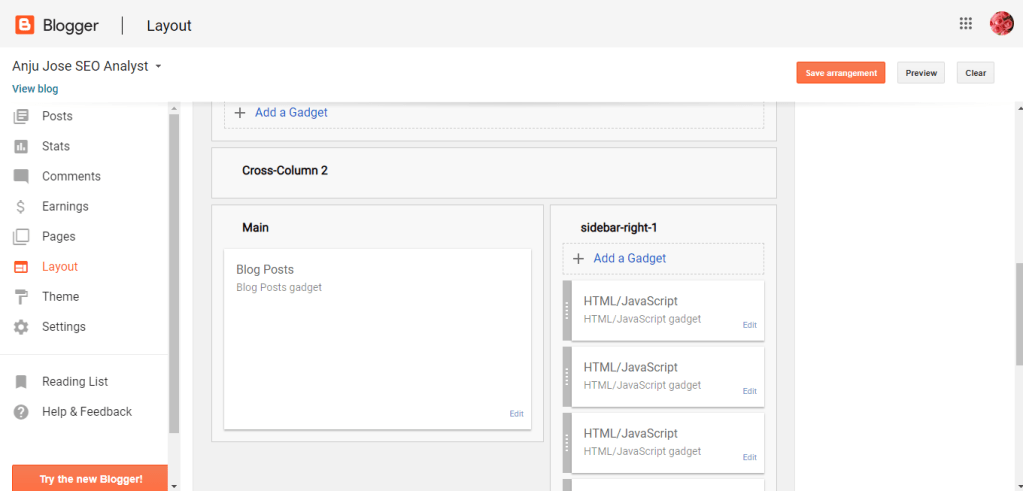
Step 5: Paste the copied code in the content. Press the ‘Save’ button.

Step 6: Click on ‘Save arrangement’.
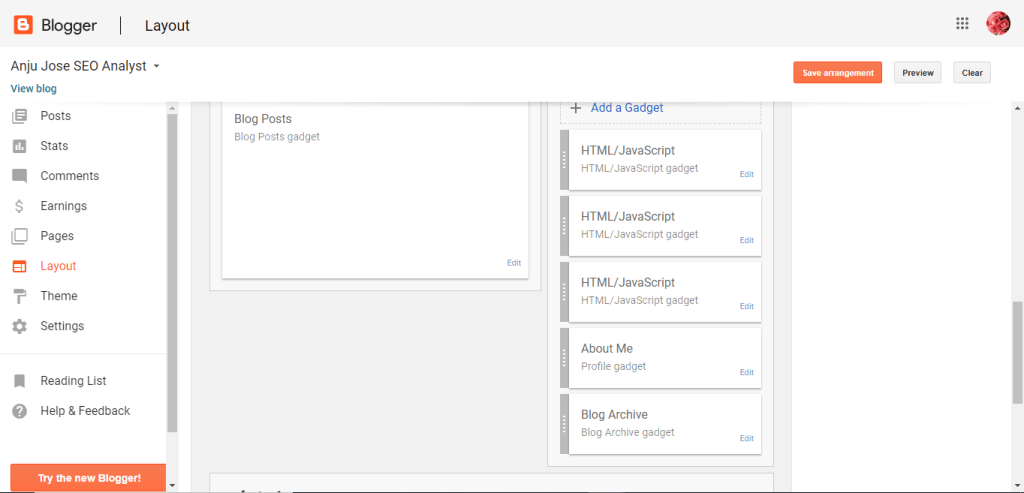
After finishing these steps, refresh the blogger page. So the Twitter widget is successfully added in the blogger.
How to embed LinkedIn to the blogger?
Follow the steps to embed twitter in the blogger.
Step 1: Get into the LinkedIn profile. Select ‘ Edit public profile & URL’.
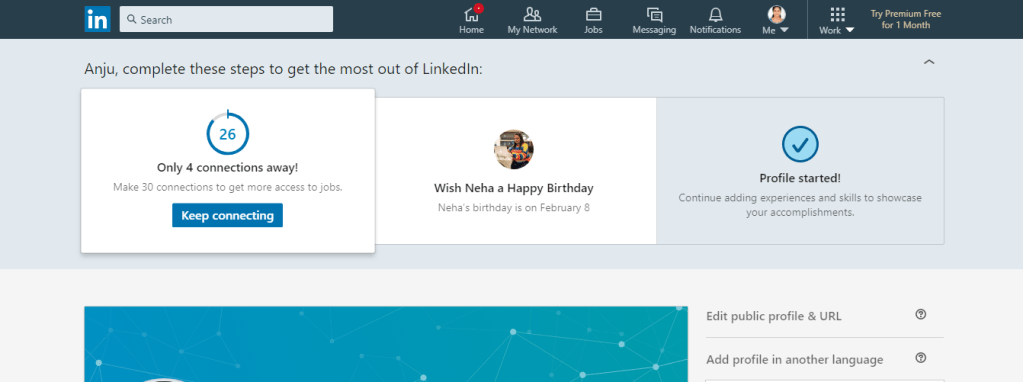
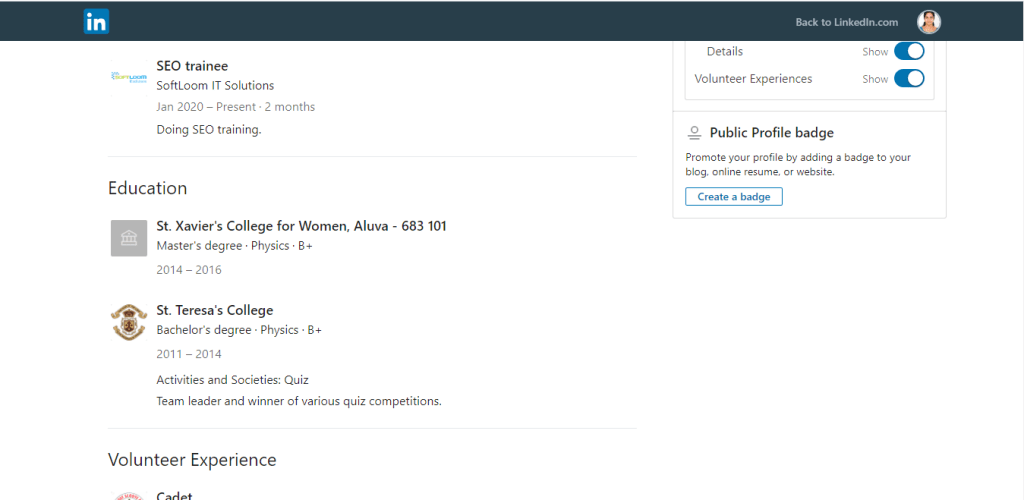
Step 2: Select ‘Create a badge’.
Step 3: A public profile badge builder will visible. Copy the code of step 1 in the visible page.
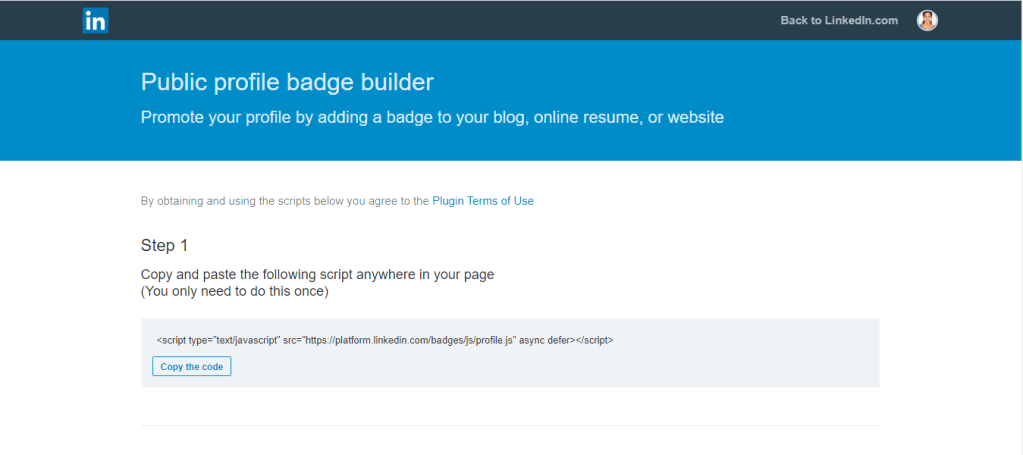
Step 4: Choose a badge from the given options. Copy code of the required badge.
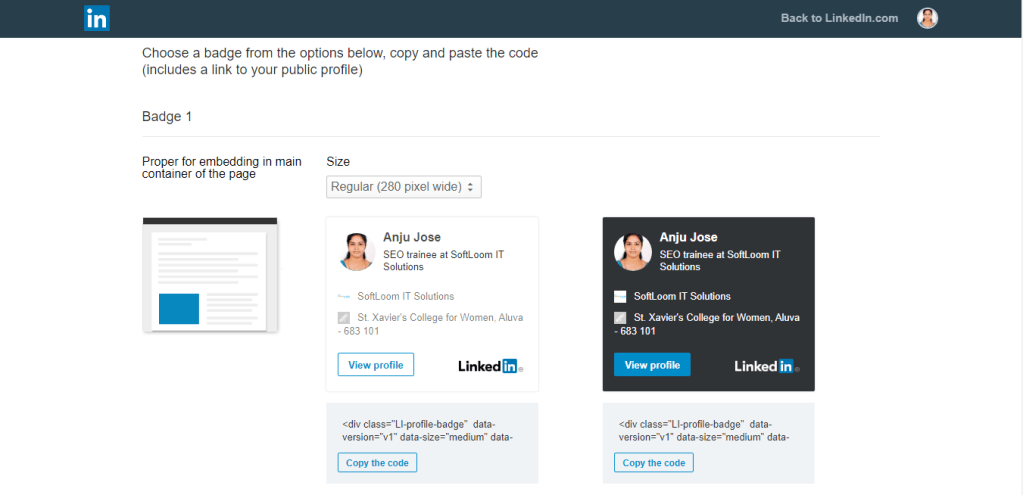
Step 5: Paste the codes in Step 1 and Step 2 in the content section. Select ‘Save’.
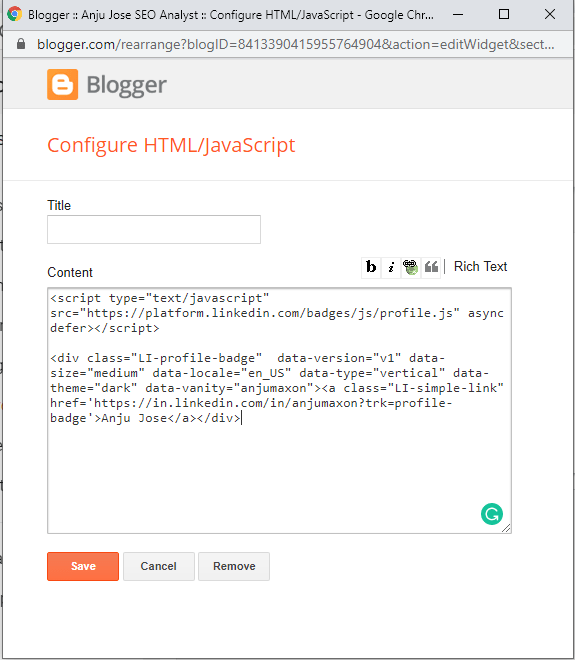
Step 6: Select ‘Save arrangement’.

After finishing these steps, refresh the blogger page. So the LinkedIn widget is successfully added in the blogger.
I hope you got some idea in the topic ‘How to embed widgets in Blogger?’. You can read the article about ‘A glance to bing optimization’ here.
 Anju Jose SEO Analyst