Google Analytics is a web page traffic analysis application that provides real-time statistics and analysis of user interaction with the web page. Google analytics interprets and optimize the website’s performance and helps website owners to analyze their visitors. Google Analytics can track all types of digital media and referring banners, advertisements, e-mail and integrates with other Google products.
Which are traffic sources in Google Analytics?
Organic Search Traffic:
A user comes to a site directly from a search engine. If it is a paid advertisement on search engines, those visitors will count as Paid Search instead.
Referral traffic :
A user clicks a link to a site from a page on another website.
Social traffic :
A user clicks on a link to a site from any social channel, such as Facebook, Twitter, LinkedIn, or Instagram.
Direct traffic:
A user directly types into a website URL or clicks on a link from an email, PDF, or saved bookmark. Any traffic that Google doesn’t have the source information on is also considered as direct traffic.
Paid Search:
A user clicks on a paid advertisement in a search engine such as Facebook, Instagram or Twitter (most commonly via Google AdWords) that leads back to your site.
Steps for use Google Analytics to track website
- Sign into Google Analytics with the Google account.
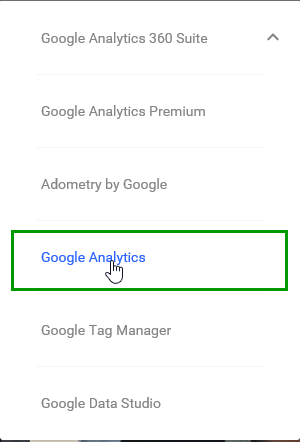
- Click on the admin button on the bottom left sidebar of the dashboard
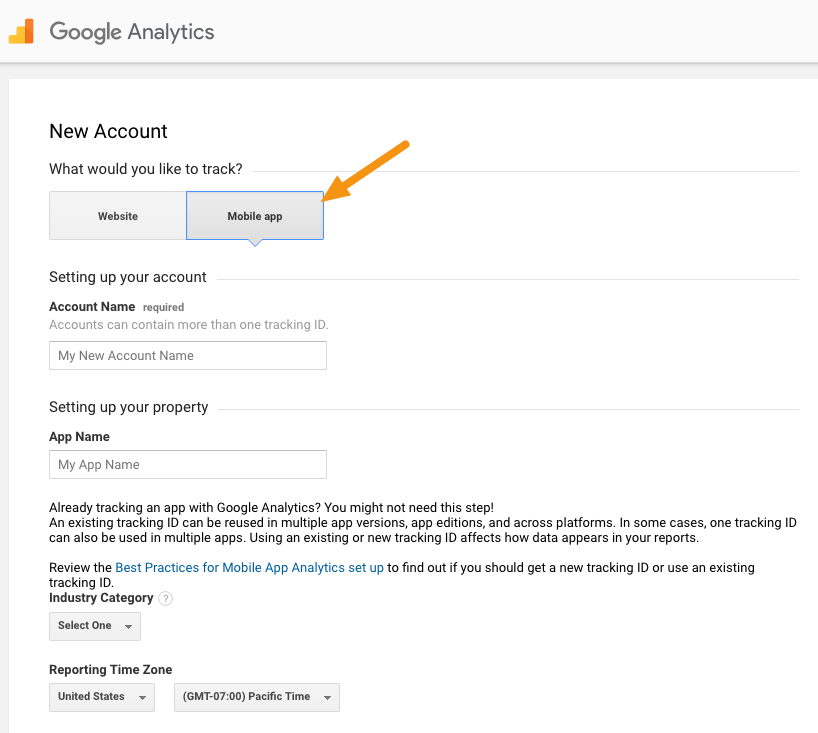
- If you are new to Google Analytics create an account or if you already have an account select the account
- Click on the drop-down menu to create a property.
- Click on the website or mobile option and your site’s name and URL
- Choose your time zone and industry
- Click on tracking ID.
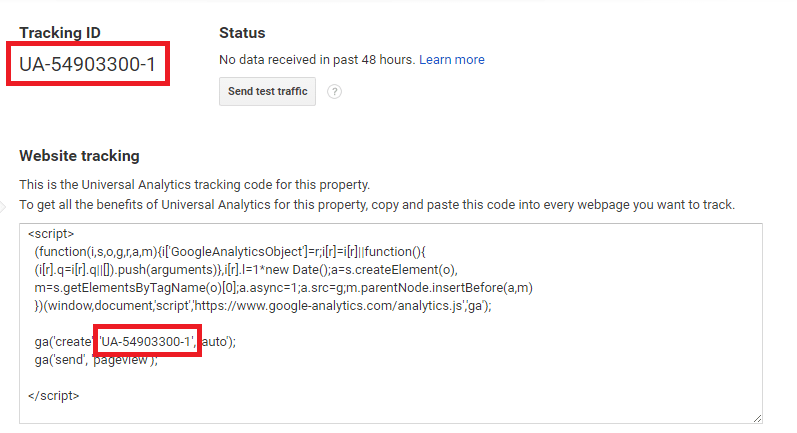
- Install the tracking ID on your website.
- Paste the tracking ID in Analytics.
- Paste tracking ID in the theme section of the blog.
- Save the theme.
By tracking visitors from all the referring sites, Google analytics will provide the response of a marketing campaign. Google Analytics works through a snippet of Javascript on the website to be monitored.
Hope you enjoyed this blog post about Google Analytics.
 Anju Jose SEO Analyst